See inside any Chrome extension before you build yours.
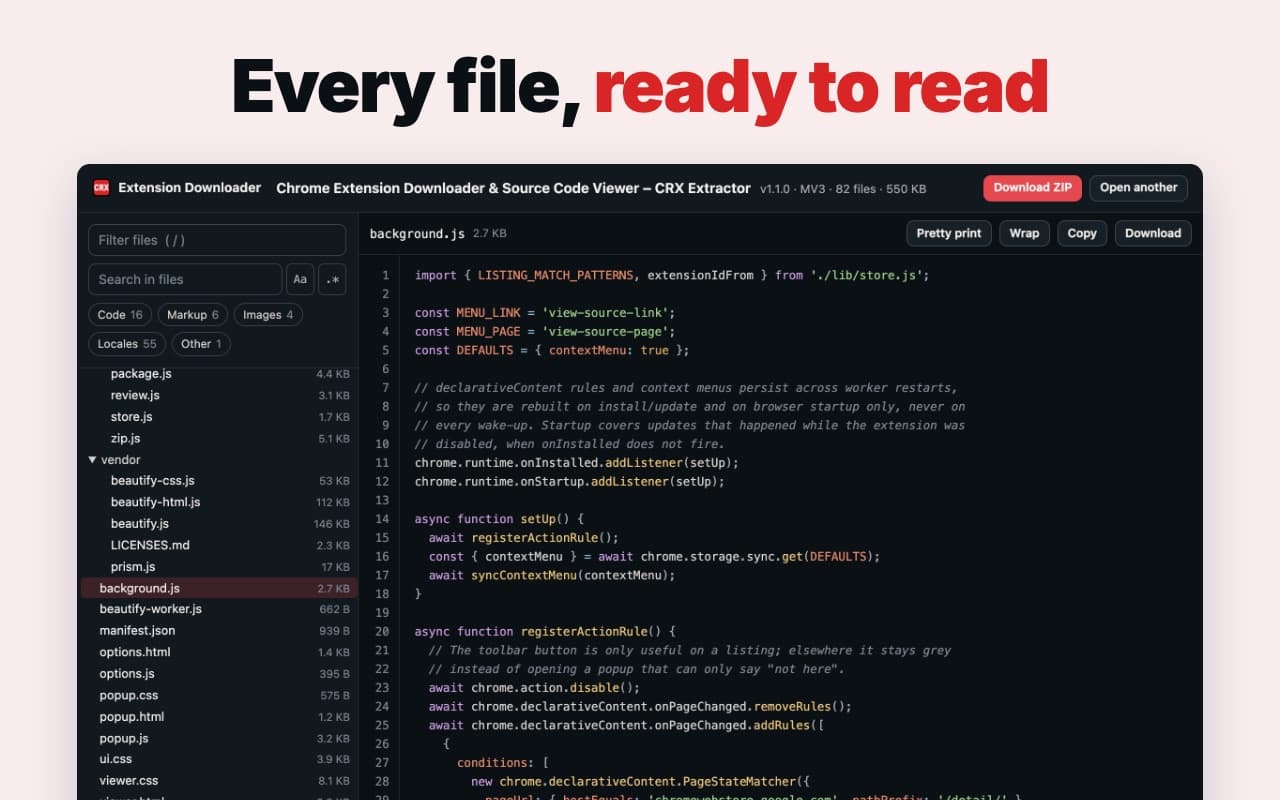
Read every file of any extension in the Chrome Web Store, or download it as a ZIP. No account, and nothing you open leaves your computer.
Add to Chrome — it's free
Chrome extensions install on a computer, not a phone. Open ext.verblike.com/tools/extension-downloader there.
What builders use it for
Study the leader
Open the top extension in your niche and see how much code it actually took.
Check their permissions
See what the competition asks users to allow. Asking for less is a reason to switch.
Keep a copy
Download any extension as a ZIP or CRX, including your own, before an update changes it.
Two clicks from any listing
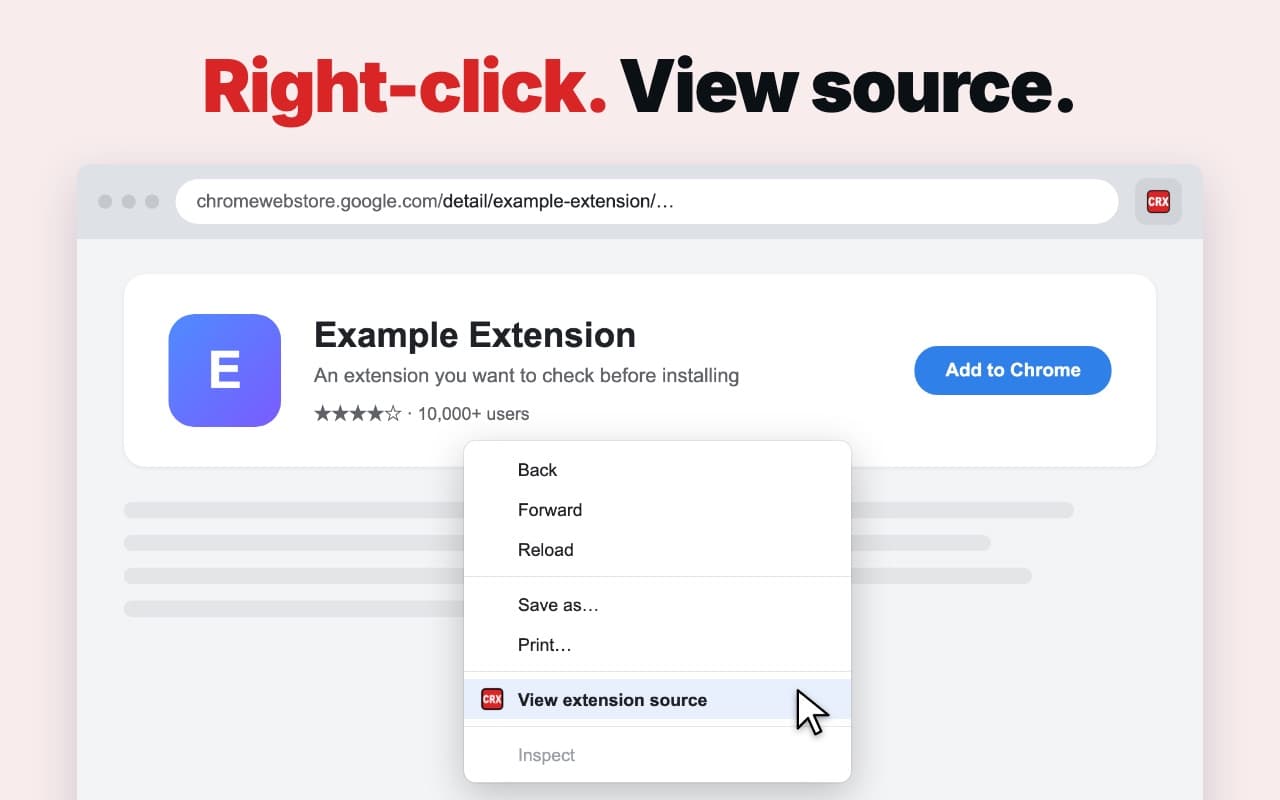
- 1. Add it to Chrome.
- 2. Open any extension in the Chrome Web Store.
- 3. Right-click → View extension source, or click the red CRX button.
Add to Chrome — it's free
Chrome extensions install on a computer, not a phone. Open ext.verblike.com/tools/extension-downloader there.
Found an extension worth beating? The Weekend Extension Sprint shows you how to build yours →